
Design & Print Tips
Vector Files You’ll Actually Use (And Why They Matter)
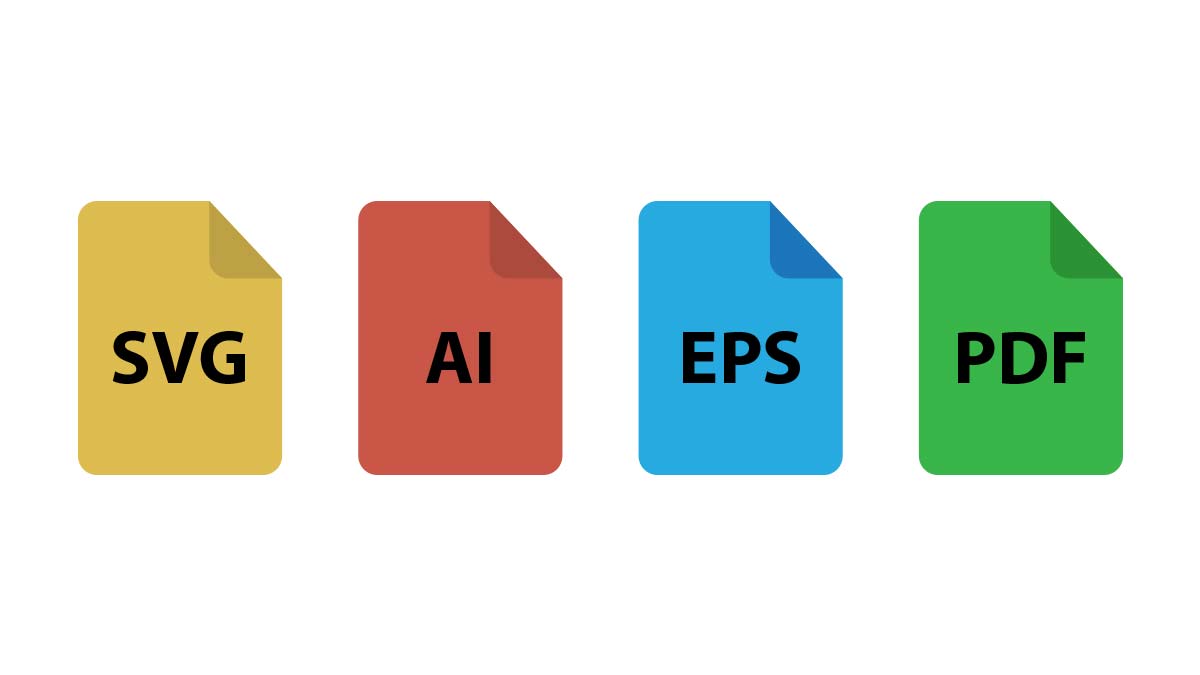
So if you’ve ever wondered what all those file extensions mean—SVG, AI, EPS—I’m here to break down the most common vector formats you’ll encounter.
What Makes Vector Files So Special?
Unlike raster images (think JPEGs or PNGs) that store individual pixels, vector files use mathematical equations to define shapes, lines, and curves. This means you can blow them up to billboard size or shrink them to business card dimensions without any quality loss. Pretty neat, right?
The magic happens because vectors store instructions like “draw a red circle with a 50-pixel radius” instead of remembering every single dot of color.
SVG: The Web’s Darling
Scalable Vector Graphics (SVG) files are basically the cool kid everyone wants to hang out with. They’re XML-based, which means you can edit them with code if you’re feeling fancy.
Why I love SVG:
• Web-friendly: Browsers eat these up without breaking a sweat
• Tiny file sizes: Perfect for website optimization
• Interactive potential: You can animate them with CSS or JavaScript
• SEO benefits: Search engines can actually read the text inside
The downside? SVG struggles with complex illustrations that have tons of gradients or intricate details. Keep it simple, and SVG will be your best friend. Learn more about SVG magic.
AI: Adobe’s Workhorse
Adobe Illustrator files (.AI) are the industry standard for professional design work. If you’re serious about vector graphics, you’ll bump into these constantly.
What makes AI files special:
• Layer support: Organize your artwork like a pro
• Advanced effects: Gradients, patterns, and complex styling options
• Print-ready: Perfect color management and output controls
• Version compatibility: Though this can be a pain when collaborating
Fair warning: AI files only play nice with Adobe software. Try opening one in a free program, and you’ll likely hit a wall.
EPS: The Universal Translator
Encapsulated PostScript (EPS) files are like that friend who gets along with everyone. They’re designed to be compatible across different programs and platforms.
EPS shines when you need:
• Cross-platform compatibility: Works with both Adobe and non-Adobe software
• Print industry standard: Most commercial printers love these
• Embedded fonts: Your typography stays intact
• Professional workflows: Still widely used in traditional publishing
The catch? EPS files can be chunky, and they don’t support transparency the way modern formats do.
PDF: More Than Just Documents
Plot twist: PDF files can be vectors too! When you save vector artwork as a PDF, you get the best of both worlds—scalable graphics wrapped in a universally readable format.
PDF vectors work great for:
• Client presentations: Everyone can open them
• Print submissions: Many print shops prefer PDF over other formats
• Archive storage: They’ll still work in 20 years (probably)
• Multi-page documents: Combine graphics with text seamlessly
Just make sure you’re saving as a proper vector PDF, not a flattened image version.
Which Format Should You Choose?
Here’s my honest take: it depends on what you’re doing (I know, helpful, right? 😃).
For web projects: Go with SVG every time. It’s lightweight, scalable, and plays perfectly with modern browsers.
For professional print work: AI or EPS will serve you best, depending on your software ecosystem.
For client deliverables: PDF keeps things simple and professional.
For long-term storage: I usually keep a master AI file and export to other formats as needed.
The Bottom Line
Understanding vector formats isn’t just nerdy tech knowledge—it’s practical skill that impacts your daily workflow. Choose the right format from the start, and you’ll avoid those frustrating moments when files don’t behave the way you expect.
My advice? Start with SVG for digital work and AI for everything else. Once you’re comfortable with those two, exploring other formats becomes much easier.
What’s your go-to vector format? I’d love to hear about any horror stories you’ve had with file compatibility—we’ve all got at least one! 😊
Now go forth and vector responsibly.
